


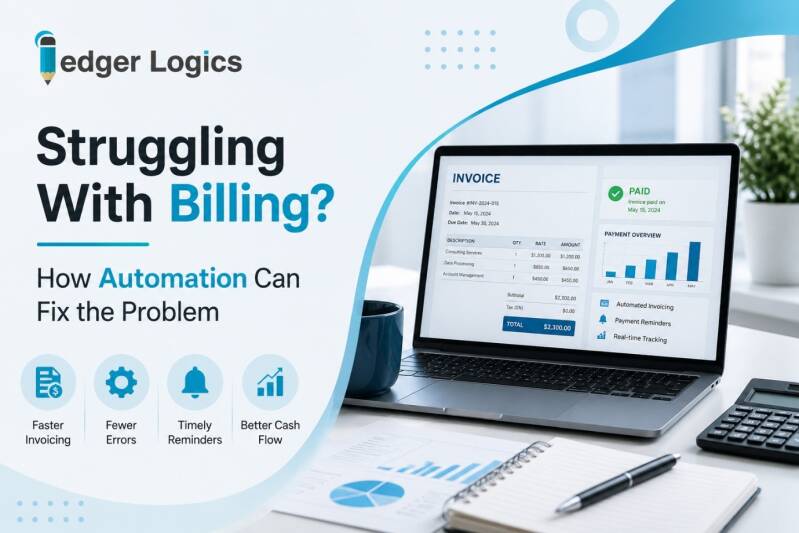
Are invoices taking too much time to prepare, send, and track? Billing automation can help reduce manual work, limit errors, and make it easier to see what customers owe. We know that small business owners often handle billing while managing many other tasks. That can lead to late invoices, missed follow-ups, and messy records. A small business billing automation consultant can help review the current process, find slow points, and set up digital tools that make billing easier. The goal is not to add more technology. It is to create a simple process that saves time and gives you better control.
Table of Contents
- Why Does Manual Billing Become a Problem?
- How Can Billing Automation Fix Common Issues?
- What Problems Can Better Billing Solve?
- What Should You Automate First?
- How We Help Businesses Improve Billing
- Let’s Fix Your Billing Process
- FAQs
Why Does Manual Billing Become a Problem?
Manual billing may work when a business has only a few customers. As sales grow, the same process can become difficult to manage.
Creating invoices, checking payments, sending reminders, and updating records can take hours. A missed invoice can also delay payment and affect cash flow.
How Can Billing Automation Fix Common Issues?
Automation can handle repetitive parts of the billing process. It can help organize invoices, reduce repeated data entry, and keep payment information easier to track.
It also creates a more consistent workflow. Instead of relying on memory or scattered spreadsheets, your team can follow the same process each time.
What Problems Can Better Billing Solve?
A stronger billing system can help with several common issues:
- Late invoices: A more organized process can help invoices reach customers sooner.
- Billing errors: Digital workflows can reduce repeated data entry and avoid common mistakes.
- Missed follow-ups: Better tracking makes outstanding customer payments easier to identify.
- Scattered records: Connected accounting tools can keep important billing information in one place.
What Should You Automate First?
You do not need to automate everything at once. We recommend starting with the parts of billing that take the most time or create the most errors.
A simple process can look like this:
- Review the current workflow: Find where invoices slow down or information gets lost.
- Choose the right tools: Select accounting and invoicing tools that match your business.
- Set up the process: Connect the tools and create a clear billing workflow.
- Test the system: Check invoices, records, and payment tracking before full use.
- Train the team: Make sure everyone understands the new process.
How We Help Businesses Improve Billing
At Ledger Logics LLC, we help small and medium-sized businesses move away from manual accounting processes. We look at how financial tasks work together instead of treating billing as an isolated job.
Our services include bookkeeping, QuickBooks setup, custom invoicing, account reconciliation, financial reporting, payroll management, data cleanup, and Digital Office Conversion.
We also provide on-site employee training. This is important when a business is moving from paper records or old spreadsheets to digital accounting tools.
Our work with autobody shops, car dealers, small manufacturers, and other small businesses has shown us that every company has different needs. We focus on practical systems that fit the way the business operates.
Let’s Fix Your Billing Process
If billing is taking more time than it should, we can help you look at the process and identify practical improvements. At Ledger Logics LLC, we combine bookkeeping knowledge with digital accounting solutions to make financial work easier to manage.
Call (860) 505-9639 or email info@ledgerlogicsllc.com to discuss your current billing process and find the right next step for your business.
Frequently Asked Questions
- What is billing automation?
Billing automation uses digital tools to handle repetitive invoicing tasks, organize records, track payments, and reduce manual work while keeping important financial information accessible.
- Can billing automation reduce errors?
Yes. A properly designed workflow can reduce repeated data entry, improve record consistency, and make it easier to identify billing issues before they become larger problems.
- Is billing automation useful for small businesses?
Yes. It can be useful when owners or office managers spend too much time creating invoices, tracking payments, updating records, or following up with customers.
- Does billing automation replace bookkeeping?
No. Automation supports routine billing tasks, while bookkeeping keeps financial records organized, reconciled, and ready for reporting, planning, and other business decisions.
- How do I know if my billing process needs automation?
If invoices are often late, records are scattered, payment follow-ups take too long, or billing errors happen often, automation may help simplify the process.
Add comment
Comments